ParadoxAI

RunPod templateFree

MiniMax H3

ComfyUI with MiniMax H3 on a rented GPU, set up in one click: four free workflows, every model downloaded for you, no account and no key.

Deploy on RunPodThe workflows

What you get

  • ComfyUI and JupyterLab, ready on your pod
  • Every MiniMax H3 model downloaded for you, about 79 GB
  • Four workflows where you write the prompt yourself, with no API key and no extra costs
  • The References Manager: up to 9 pictures, 3 videos and 3 voices, each with its tag
  • The lightx2v 8-step turbo LoRA, always on, and a live preview while your video renders
  • Your CivitAI LoRAs downloaded for you, with one setting
  • Videos saved without metadata, ready to post
Workflows
4, manual prompt
Models
about 79 GB, downloaded for you
Volume
120 GB or more
RunPod filter
CUDA 13.0 or newer

The 4 workflows inside

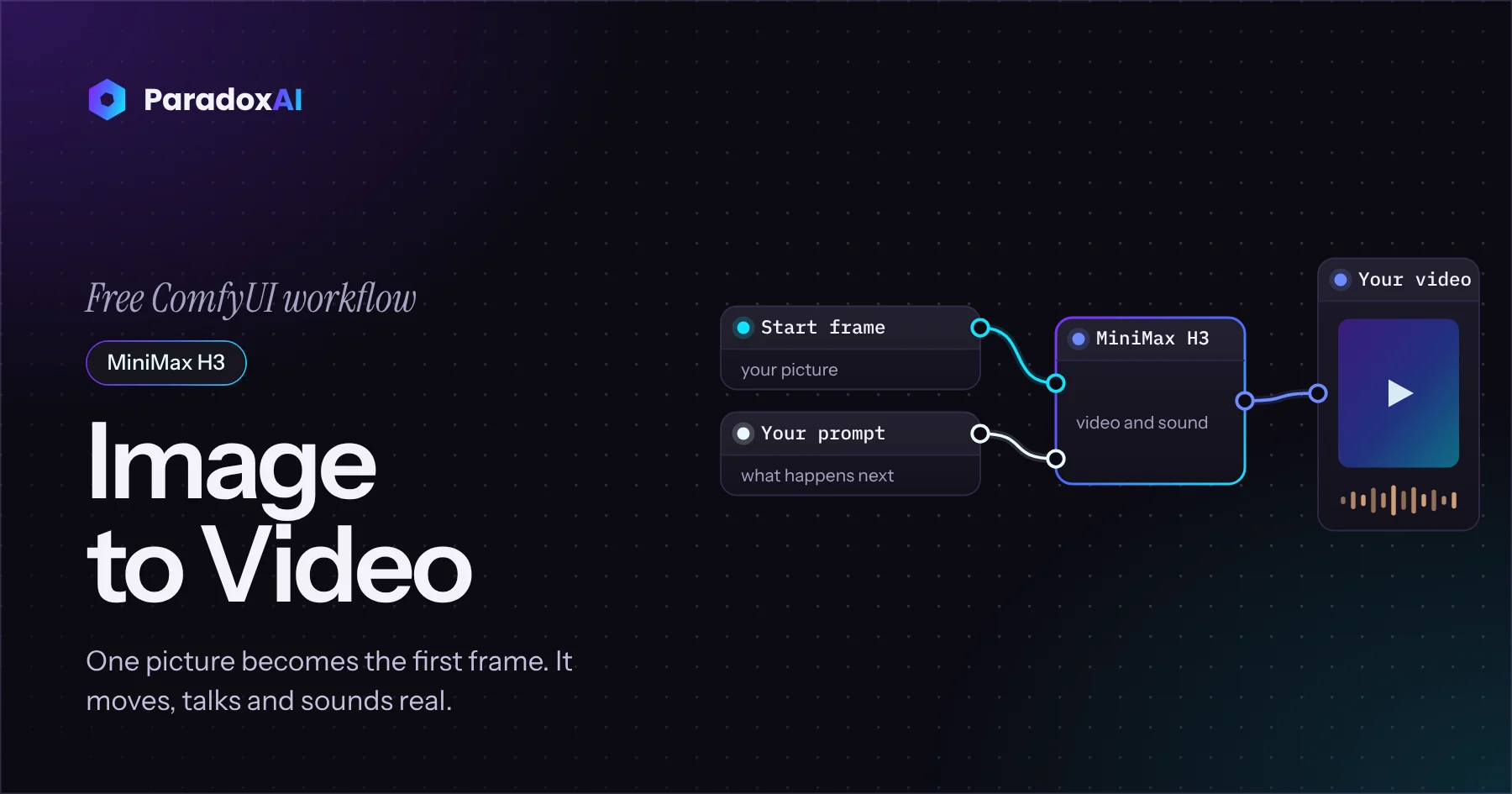
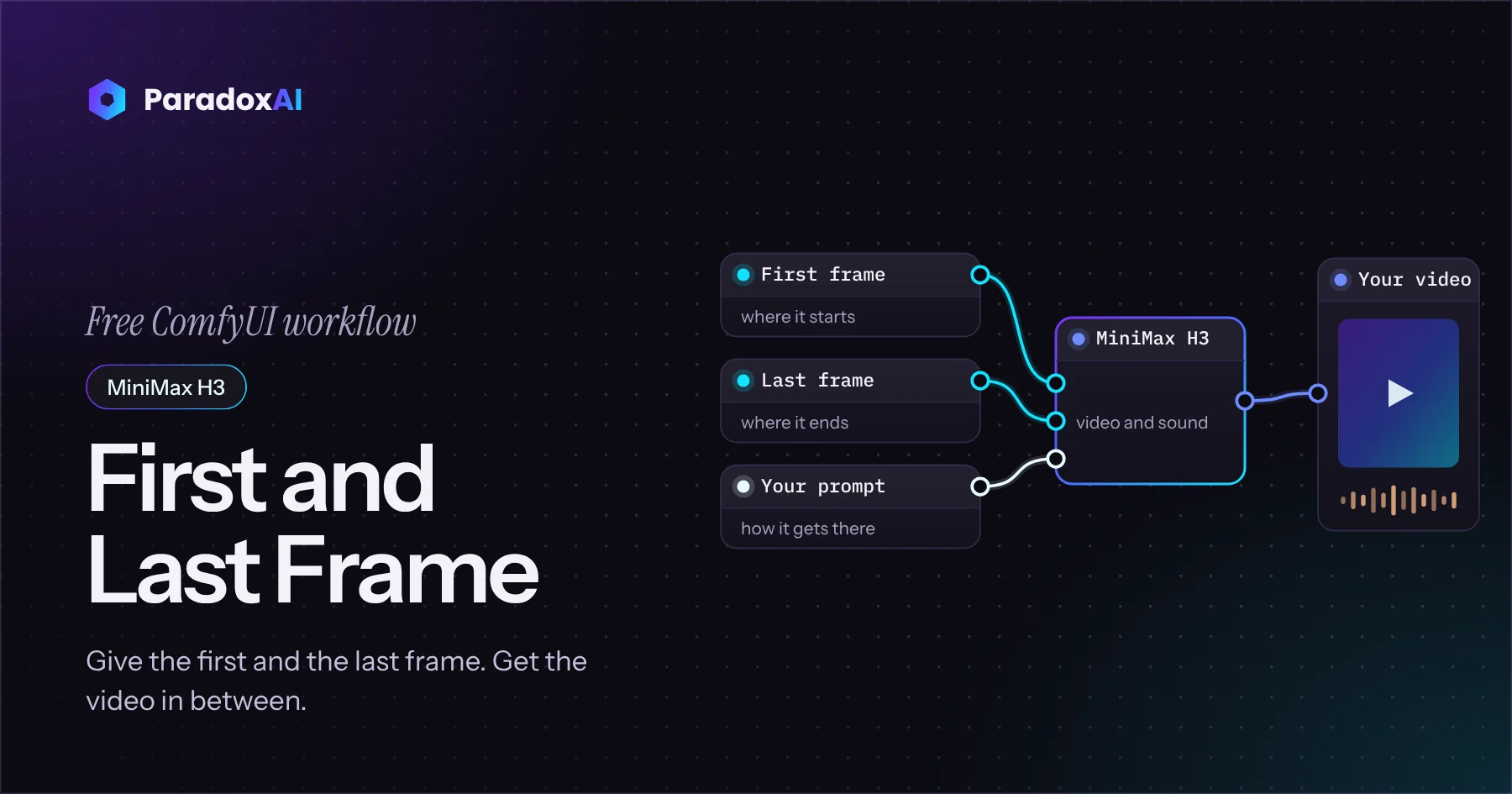
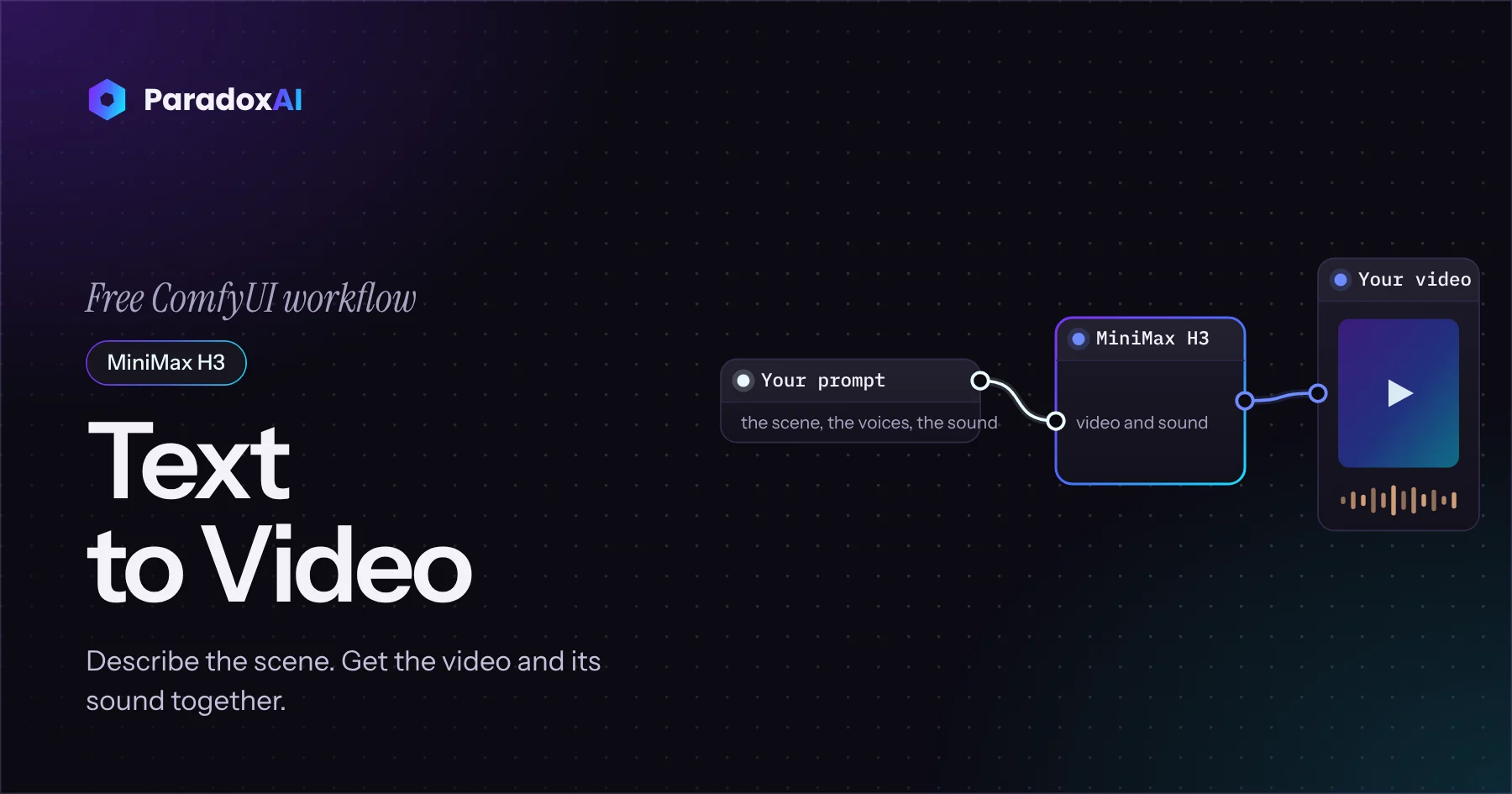
All in ComfyUI's Workflows menu, in the folder ParadoxAI MiniMax H3. You can also download each one on its own.

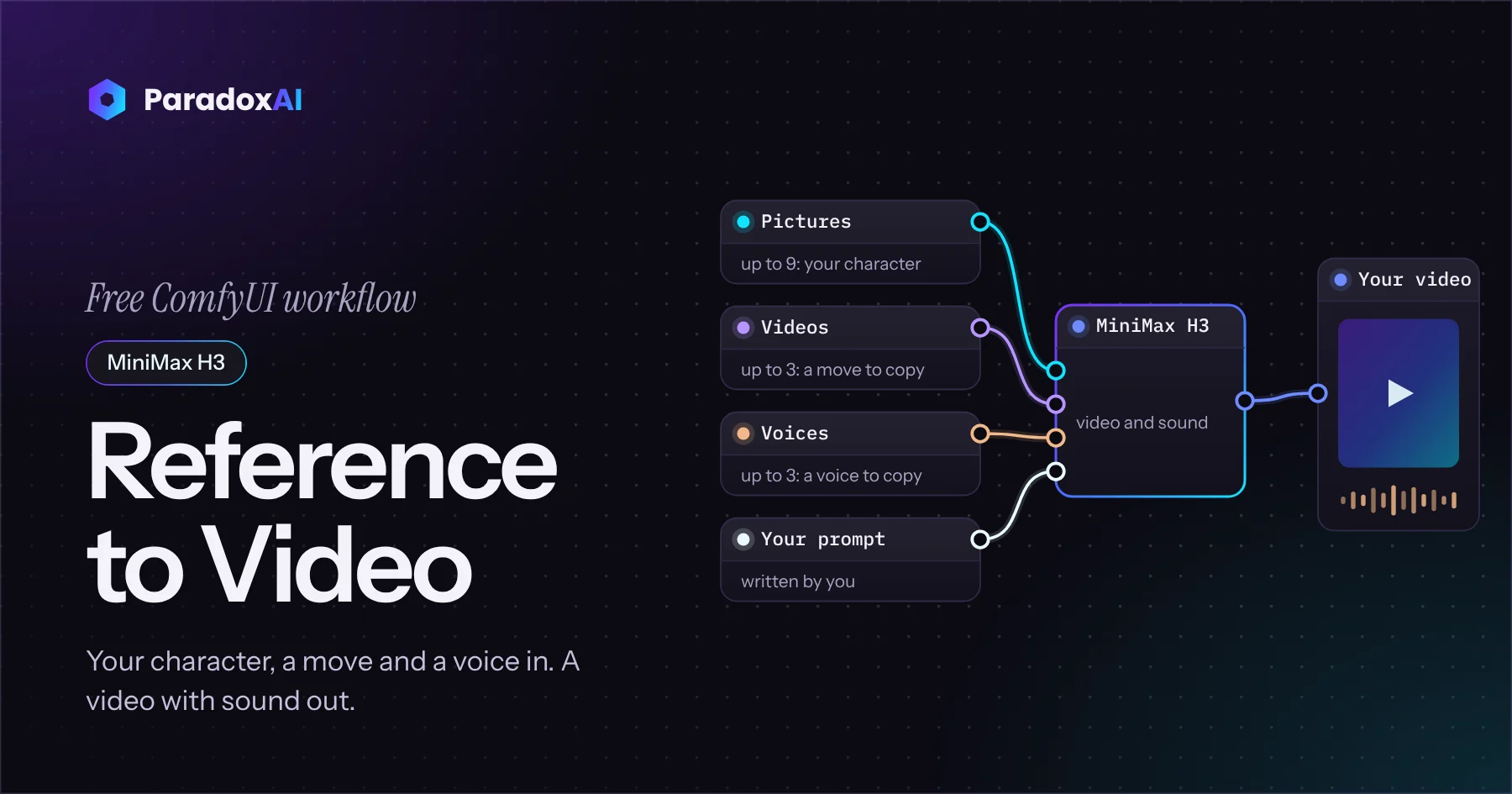
MiniMax H3 Reference to Video

Keep your AI character the same in every video: give MiniMax H3 up to nine pictures, three videos and three voices, write your prompt, and get a video with sound.

Pictures, video, voice, textVideo with sound

Intermediate21 nodes48 downloads
Download

Before you deploy

Pick a GPU. The settings are optional: the template works as it is. To change one, open Edit Template, then Environment Variables, before you deploy.

Pick a GPU4
RTX PRO 6000 (96 GB)
A good pick for MiniMax H3.
H100 or H200
Faster, and they cost more.
48 GB cards (L40S, RTX 6000 Ada, A6000)
A cheaper choice.
RTX 5090 (32 GB)
The least memory of these. If it runs out, lower megapixels to 0.5 or use a shorter Duration.
Model selection2
download_minimax_h3
true defaultfalsefalse skips the MiniMax H3 models, if you bring your own.
minimax_quant
int8 defaultfp8nvfp4falseWhich version of the big models: int8, fp8, nvfp4 (a smaller text encoder for RTX 50 and RTX PRO 6000 cards), or false for the full bf16 models (about 142 GB: pick a 200 GB volume). The workflows get the right files by themselves.
CivitAI downloads3
civitai_token
emptyYour CivitAI API key (civitai.com, Account settings, API Keys), for the two lists below.
CIVITAI_LORAS
emptyLoRAs to download, by model version number, separated by commas: the number after modelVersionId= in the model's link.
CIVITAI_CHECKPOINTS
emptyMiniMax H3 models from CivitAI, the same way. They show up in Load Diffusion Model.
Optional access2
LLM_KEY
emptyOnly if you want the References Manager to write the prompt for you: an OpenRouter key, then set its prompt_provider to openrouter.
HF_TOKEN
emptyYour Hugging Face token, only if a download ever asks for one.

Start in 5 steps

  1. Deploy the template

    Pick your GPU, choose CUDA 13.0 or newer in the filters on the deploy page, and click Deploy Pod.

  2. Wait for the first start

    The pod downloads the models once, about 79 GB. In Logs, the lines start with [ParadoxAI], and "everything is ready" means it is done.

  3. Open ComfyUI

    Click Connect, then ComfyUI (port 8188).

  4. Open a workflow

    Click Workflows on the left, then the ParadoxAI MiniMax H3 folder. Start with Reference to Video.

  5. Make your first video

    Read the Start here note, upload your pictures, change the example prompt and press Run.

Deploy on RunPod

Write a good prompt

MiniMax H3 follows prompts best in the layout it was trained on. Each workflow opens with an example in that layout: keep the headings and change the words after them.

Reference to Video

  1. subject_definitions: who or what each reference is. <Subject 1> is the woman in <Picture 1>.
  2. summary: the whole video in a sentence or two, starting with [reference generation].
  3. retention_analysis: what must stay the same, with fully_preserved or partially_preserved.
  4. detailed_description: the look, then [Shot 1] and what happens, with the camera and the sound.
  5. overall_soundscape: the background sounds.
  6. non_diegetic_music: music only the viewer hears, or N/A.

Text, Image, First and Last Frame

  1. integrated_multimodal_description: start with [Shot 1], the look and the framing, then the people, the place, the light, the action and the camera.
  2. overall_soundscape: the background sounds, in one to four sentences.
  3. non_diegetic_music: the score, or N/A.

With a start picture, call it <Picture 1>. The workflow adds MiniMax's line that ties the picture to the first frame.

Tags
Each upload in the References Manager shows its tag on its tile: <Picture 1>, <Video 1>, <Audio 1>. A video's own sound counts first: it is <Audio 1>, and a voice you upload is <Audio 2>.
Speech
Give each speaker an ID, describe the voice, and put the words in d tags: The young woman with a soft voice (S1) says: <d>[English] Good morning.</d>
Cuts
One timestamp per cut, never a range: [Shot 2] At 00:03.000, the camera cuts to ...
Camera
Push in, pull out, pan, tilt, tracking shot, arc shot, static shot. Add "with small amplitude" or "at slow speed" for gentle moves.
No negatives
There is no negative prompt. Say what you want to see: "no glasses" can add glasses.
Detail
More detail usually means a better video. The seed stays the same until you change it, so you can compare small changes.

Based on MiniMax's own prompt guides, in the MiniMax H3 repository.

Licences, please read

  • MiniMax H3 is shared by MiniMax under the MiniMax H3 Community License. In its own words, it does not cover use in the United States, the European Union, the United Kingdom or South Korea.
  • It asks you to say clearly that your videos are made by AI, and never to copy a real person without their consent.
  • Companies earning over 20 million US dollars a year need MiniMax's written permission.
  • The turbo LoRAs (lightx2v) are Apache 2.0, the live preview decoder (taeh3) is MIT, the MiniMax References Manager (by HearmemanAI) is MIT, and ComfyUI is GPL-3.0.

This is our plain summary, not legal advice. Read the licence itself before you use the videos: huggingface.co/MiniMaxAI/MiniMax-H3. ParadoxAI is not part of MiniMax.

Questions

Is it really free?

The template and the workflows are free. You pay RunPod only for the GPU time you use, by the second, at the price RunPod shows before you deploy. Stop the pod when you finish.

Do I need an API key, OpenRouter or a paid account?

No. You write the prompt yourself, and nothing on the pod calls a paid service. You only need a RunPod account. If you want the References Manager to write prompts for you, you can add your own OpenRouter key (LLM_KEY), but you never have to.

How long does the first start take?

The pod downloads about 79 GB once. How long that takes depends on the RunPod machine. After that, a restart takes seconds, because everything stays on the pod's volume.

Which minimax_quant should I pick?

Keep int8: it is the version the workflows are made with. fp8 is about the same size. nvfp4 takes a smaller text encoder, made for RTX 50 and RTX PRO 6000 cards. false downloads the full bf16 models, about 142 GB, for the most detail on a big GPU.

Why does my character look different between videos?

Use clear, well-lit pictures in the References Manager, describe the face and outfit in subject_definitions, and keep ref_image_size on max. Keeping the same seed helps you compare small changes.

It ran out of memory. What can I do?

Lower megapixels to 0.5, use a shorter Duration, or pick a GPU with more memory.

Can I use my own LoRA?

Yes, MiniMax H3 LoRAs: put their CivitAI numbers in CIVITAI_LORAS before you deploy, or upload them with JupyterLab (port 8888, models, then loras). Press R in ComfyUI and pick them in the Power Lora Loader box.

Can I sell or post the videos?

That depends on MiniMax's licence, not on us. Read the licence notes on this page and the licence itself before you use the videos.

Need a hand?

Ask in our Discord: setup, prompts, errors, or just to share what you made.

Join the Discord

RunPod pays us a little in RunPod credits when you run this template, and when someone new to RunPod signs up through our link. It costs you nothing extra.

Want more than the free ones?

Every Paradox workflow, realism updates twice a month and character LoRA trainings. One membership.

See the plans