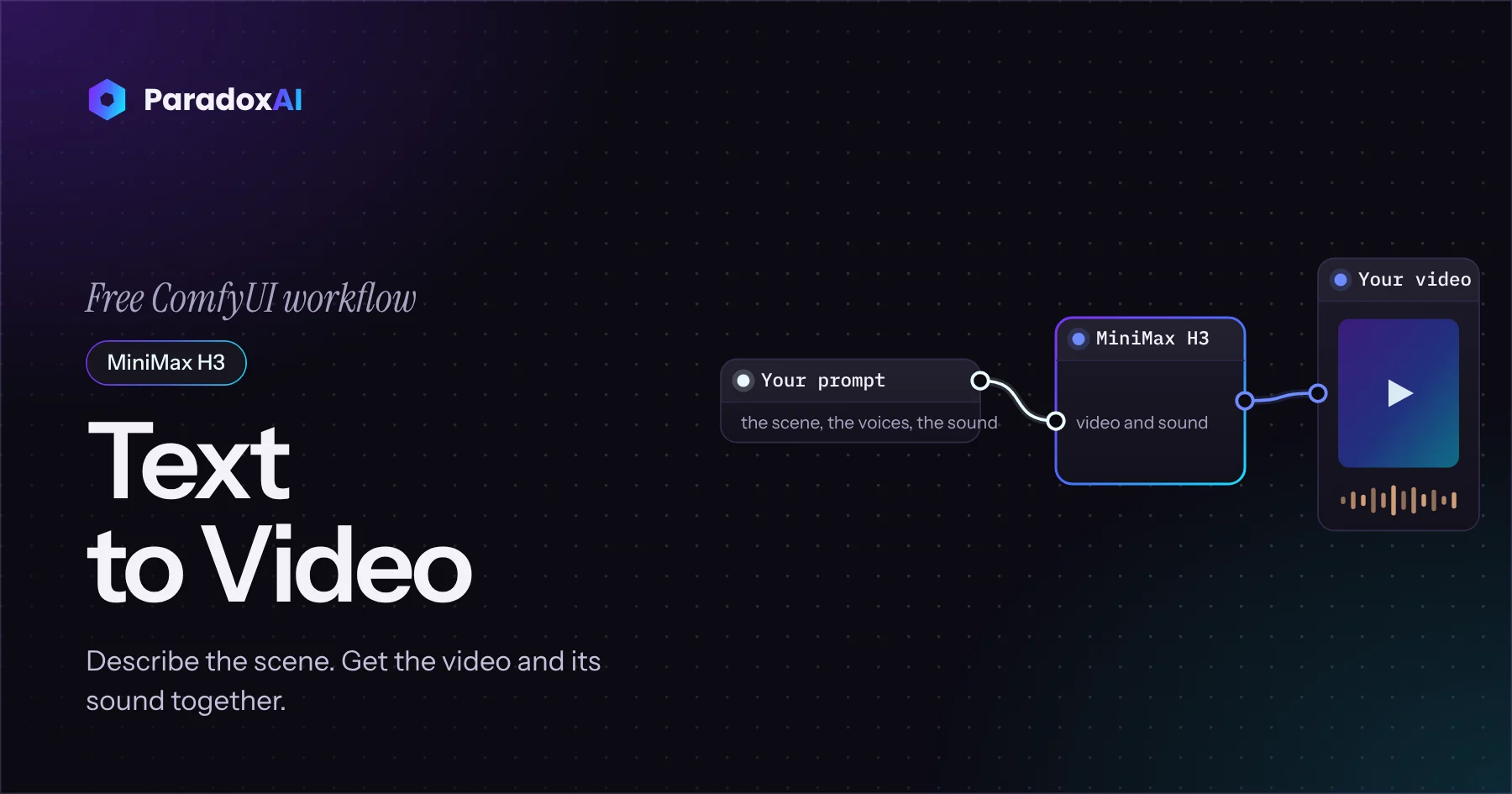
MiniMax H3 Text to Video
Describe a scene and MiniMax H3 makes the video and its sound together: voices, sound effects and music.
TextVideo with sound
Beginner21 nodes
Keep your AI character the same in every video: give MiniMax H3 up to nine pictures, three videos and three voices, write your prompt, and get a video with sound.
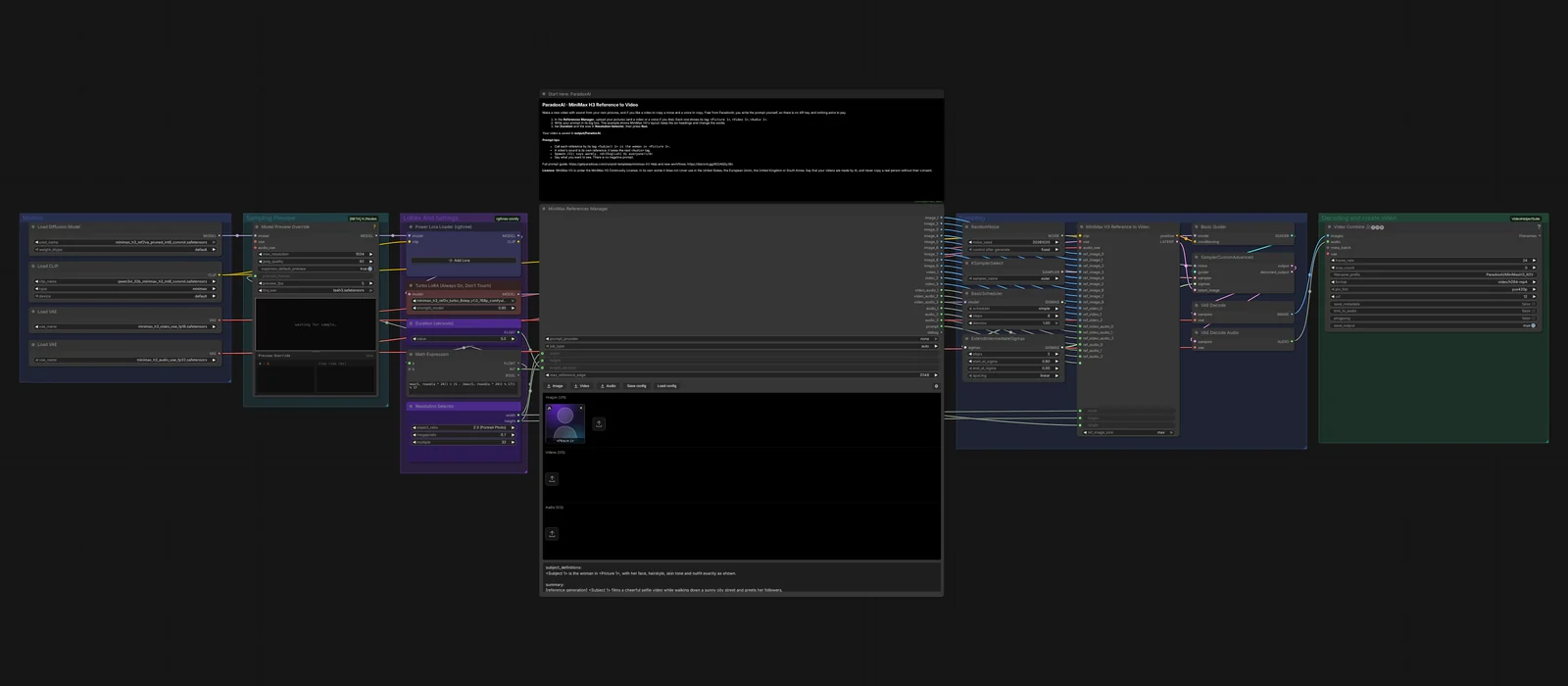
What you change is in the violet boxes, and the Start here note at the top of the workflow gives the same steps in ComfyUI.
MiniMax H3 follows prompts best in the layout it was trained on. The workflow opens with this example: keep the headings and change the words.
(S1) says warmly, <d>[English] Hi everyone!</d>subject_definitions:
<Subject 1> is the woman in <Picture 1>, with her face, hairstyle, skin tone and outfit exactly as shown.
summary:
[reference generation] <Subject 1> films a cheerful selfie video while walking down a sunny city street and greets her followers.
retention_analysis:
<Subject 1> (appears in [Shot 1]): fully_preserved - her face, hairstyle, skin tone and outfit from <Picture 1> stay the same.
detailed_description:
The target video is a realistic, handheld smartphone selfie video in natural daylight with true-to-life colours and fine skin detail.
[Shot 1] A vertical selfie shot frames <Subject 1> from the chest up as she walks slowly along a sunny street lined with cafes and green trees, holding the phone at arm's length. Soft late-afternoon sunlight falls across her face and catches loose strands of her hair, and the street behind her is gently out of focus. The camera moves with her in a light handheld sway. She smiles, tucks a strand of hair behind her ear and looks straight into the lens. <Subject 1> (S1) says in a warm, cheerful voice, <d>[English] Hi everyone, I'm back in the city. Let's go get a coffee!</d> She laughs softly, glances toward a cafe on her left and turns the phone slightly to follow her gaze.
overall_soundscape:
Light street ambience with distant traffic, footsteps on the pavement and quiet chatter from people at the cafe tables.
non_diegetic_music:
N/AMore help, with the full layout: the MiniMax H3 prompt guide.
RTX PRO 6000H100H200RTX 5090The RTX PRO 6000 (96 GB) is a good pick. On an RTX 5090 (32 GB), lower the megapixels to 0.5 if it runs out of memory.up to 9 pictures3 videos3 voicesEach upload shows its tag on its tile, like <Picture 1>.manualprompt_provider noneWhat you type goes to MiniMax H3 word for word: no API key, nothing to pay.maxIn the MiniMax H3 box: max keeps faces closest to your pictures, match is faster.eulersimpleLightX2V 8-step turbo LoRAstrength 0.85Always on. Leave it as it is.8 with the turbo LoRA2 extra for fine detail2:3 portrait0.7 megapixelsPick another shape in Resolution Selector (9:16, 16:9, 1:1), or 1.0 megapixels for MiniMax H3's full 768p size on a big GPU.5 seconds24 frames a secondUp to about 15 seconds.fixedThe same settings give the same video, so you can compare small changes. Change the number for a new video.Power Lora LoaderOptional: MiniMax H3 LoRAs only. LoRAs for other models do not work here.H.264 MP4CRF 12no metadataWith its sound, saved in output/ParadoxAI.These are the values the workflow opens with. What you change is in the violet boxes.
Our free RunPod template downloads all of them for you. Running it on your own computer? Put each file in its folder inside ComfyUI.
It also needs four free node packs: KJNodes, VideoHelperSuite, rgthree and MiniMax References Manager. ComfyUI Manager offers to install them when you open the workflow.
This is our plain summary, not legal advice. Read the licence itself before you use the videos: huggingface.co/MiniMaxAI/MiniMax-H3. ParadoxAI is not part of MiniMax.
Describe a scene and MiniMax H3 makes the video and its sound together: voices, sound effects and music.
TextVideo with sound
Beginner21 nodes
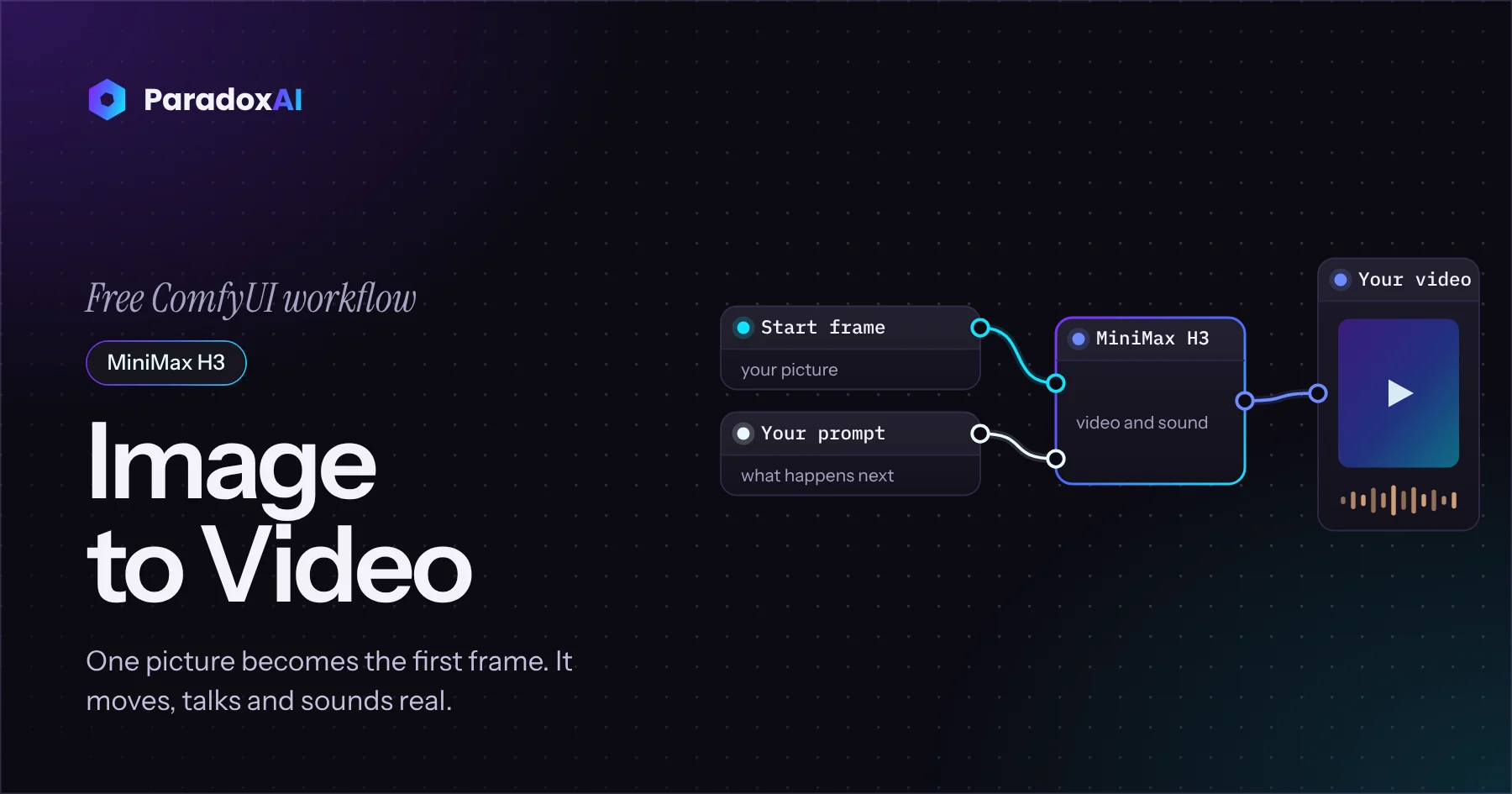
Bring one picture to life: it becomes the first frame of your video, and MiniMax H3 adds the motion, the voice and the sound.
Picture, textVideo with sound
Beginner24 nodes

Give MiniMax H3 the first and the last frame, and it makes the video in between, with sound.
Two pictures, textVideo with sound
Intermediate26 nodes
Every Paradox workflow, realism updates twice a month and character LoRA trainings. One membership.