ParadoxAI

MiniMax H3Picture, textVideo with soundBeginner

MiniMax H3 Image to Video

Bring one picture to life: it becomes the first frame of your video, and MiniMax H3 adds the motion, the voice and the sound.

TutorialMiniMax H3 Image to Video in ComfyUI, step by step (1:03)
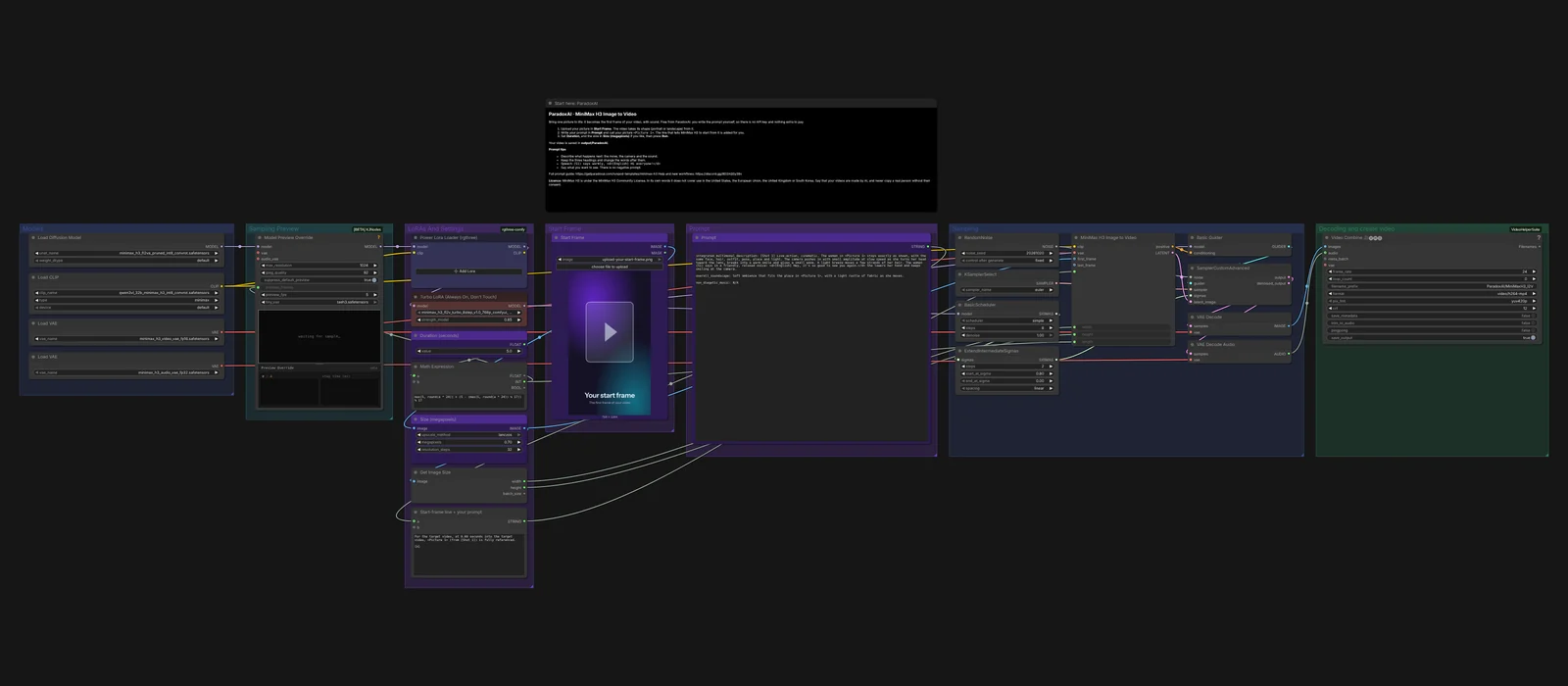
The MiniMax H3 Image to Video workflow in ComfyUI: the models, the settings, your picture, your prompt, sampling and your video.
The whole workflow in ComfyUI. Open the picture to see it larger.

Great for

  • Making a still photo of your character move and talk
  • Product shots that come alive
  • Starting a video from an exact first frame

How to use it

  1. Upload your picture in Start Frame. The video takes its shape (portrait or landscape) from it.
  2. Write your prompt in the Prompt box, calling the picture <Picture 1>. The line that tells MiniMax H3 to start from it is added for you.
  3. Set Duration, then press Run.

What you change is in the violet boxes, and the Start here note at the top of the workflow gives the same steps in ComfyUI.

Write your prompt

MiniMax H3 follows prompts best in the layout it was trained on. The workflow opens with this example: keep the headings and change the words.

  • Keep the three headings: integrated_multimodal_description, overall_soundscape and non_diegetic_music.
  • Say what stays the same from <Picture 1> (face, outfit, place, light), then what happens next.
  • Speech: give each speaker an ID and put the words in d tags: (S1) says warmly, <d>[English] Hi everyone!</d>
  • Say what you want to see. There is no negative prompt: "no glasses" can add glasses.
The example prompt
integrated_multimodal_description: [Shot 1] Live-action, cinematic. The woman in <Picture 1> stays exactly as shown, with the same face, hair, outfit, pose, place and light. The camera pushes in with small amplitude at slow speed as she turns her head toward the lens, breaks into a warm smile and gives a small wave. A light breeze moves a few strands of her hair. The woman (S1) says in a friendly, relaxed voice: <d>[English] Hey, it's so good to see you again.</d> She lowers her hand and keeps smiling at the camera.

overall_soundscape: Soft ambience that fits the place in <Picture 1>, with a light rustle of fabric as she moves.

non_diegetic_music: N/A

More help, with the full layout: the MiniMax H3 prompt guide.

Recommended settings11
GPU
RTX PRO 6000H100H200RTX 5090The RTX PRO 6000 (96 GB) is a good pick. On an RTX 5090 (32 GB), lower the megapixels to 0.5 if it runs out of memory.
Start frame
1 picture<Picture 1>It becomes the first frame. The line that tells MiniMax H3 to start from it is added for you.
Sampler
euler
Scheduler
simple
Turbo LoRA
LightX2V 8-step turbo LoRAstrength 0.85Always on. Leave it as it is.
Steps
8 with the turbo LoRA2 extra for fine detail
Size
from your picture0.7 megapixelsThe shape comes from your first picture, so it is never stretched.
Duration
5 seconds24 frames a secondUp to about 15 seconds.
Seed
fixedThe same settings give the same video, so you can compare small changes. Change the number for a new video.
Your LoRAs
Power Lora LoaderOptional: MiniMax H3 LoRAs only. LoRAs for other models do not work here.
Video
H.264 MP4CRF 12no metadataWith its sound, saved in output/ParadoxAI.
These are the values the workflow opens with. What you change is in the violet boxes.

Models it needs

Our free RunPod template downloads all of them for you. Running it on your own computer? Put each file in its folder inside ComfyUI.

It also needs three free node packs: KJNodes, VideoHelperSuite and rgthree. ComfyUI Manager offers to install them when you open the workflow.

Licences, please read

  • MiniMax H3 is shared by MiniMax under the MiniMax H3 Community License. In its own words, it does not cover use in the United States, the European Union, the United Kingdom or South Korea.
  • It asks you to say clearly that your videos are made by AI, and never to copy a real person without their consent.
  • Companies earning over 20 million US dollars a year need MiniMax's written permission.
  • The turbo LoRAs (lightx2v) are Apache 2.0, the live preview decoder (taeh3) is MIT, the MiniMax References Manager (by HearmemanAI) is MIT, and ComfyUI is GPL-3.0.

This is our plain summary, not legal advice. Read the licence itself before you use the videos: huggingface.co/MiniMaxAI/MiniMax-H3. ParadoxAI is not part of MiniMax.

See them all

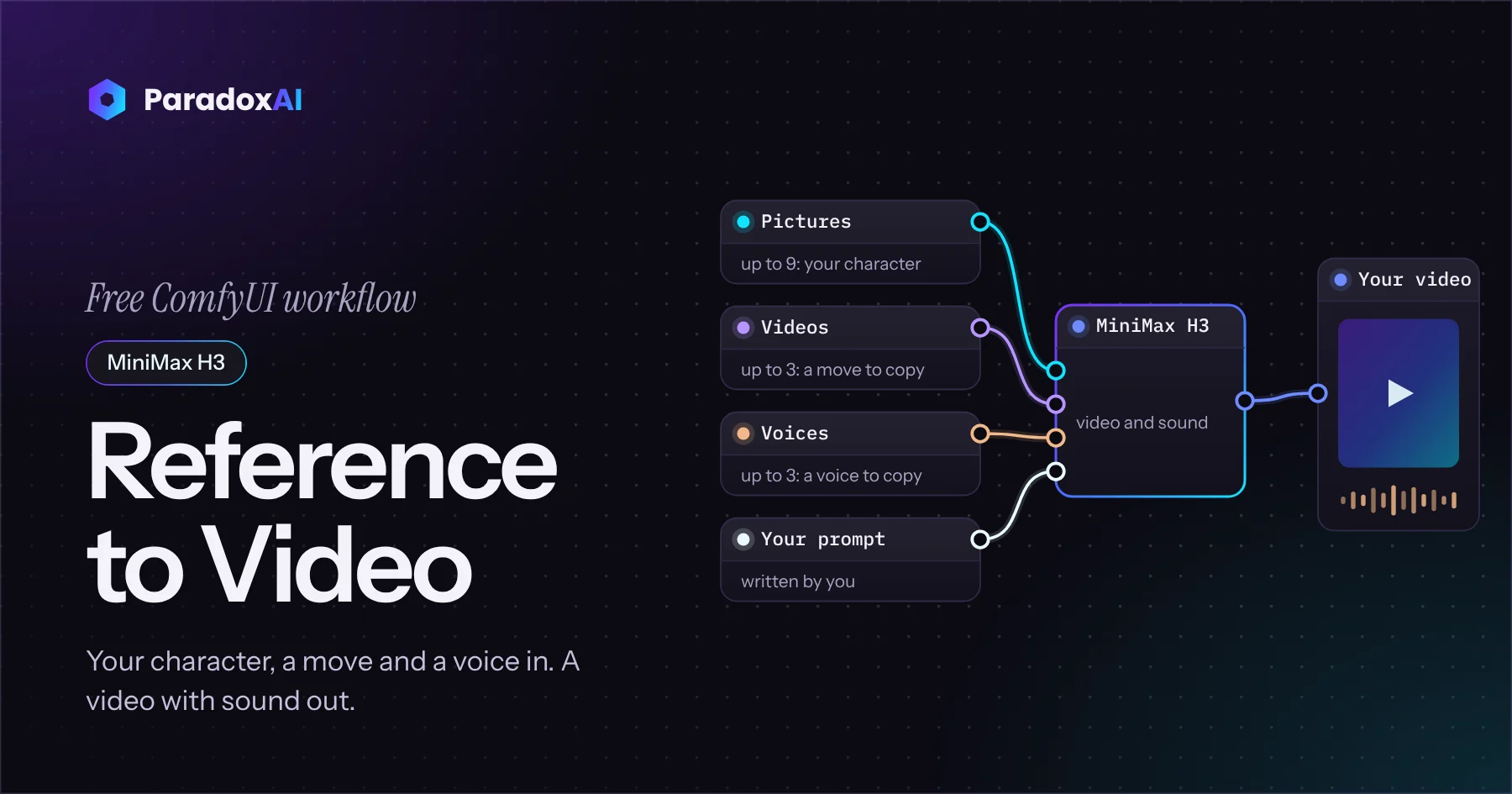
MiniMax H3 Reference to Video

Keep your AI character the same in every video: give MiniMax H3 up to nine pictures, three videos and three voices, write your prompt, and get a video with sound.

Pictures, video, voice, textVideo with sound

Intermediate21 nodes

Download

Want more than the free ones?

Every Paradox workflow, realism updates twice a month and character LoRA trainings. One membership.

See the plans