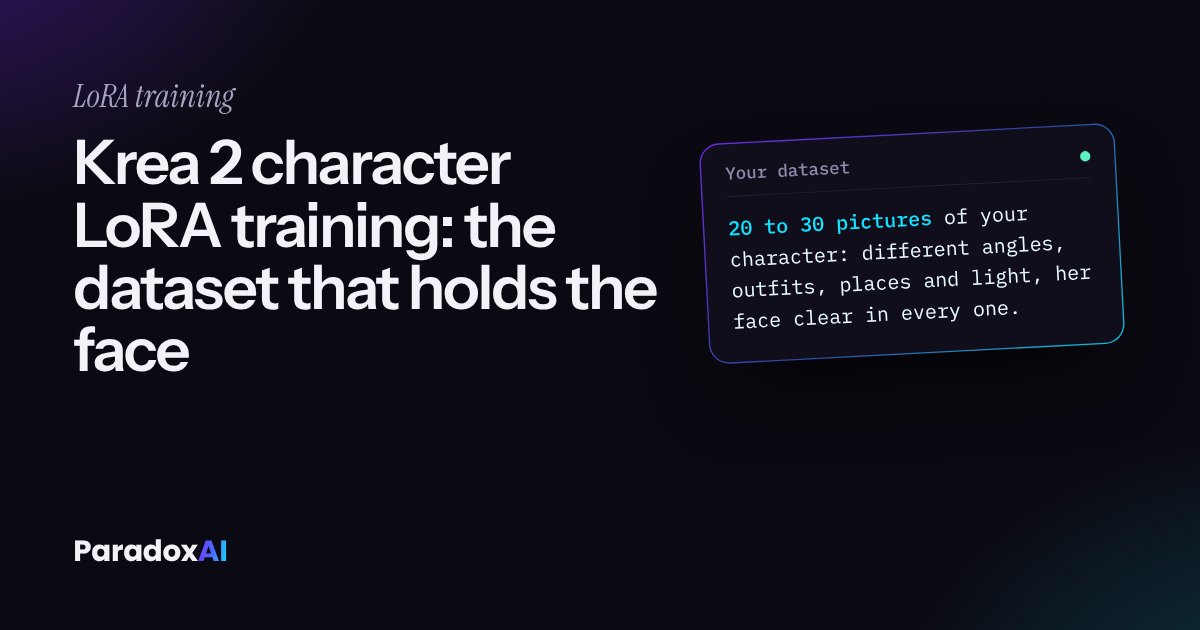
A Krea 2 character LoRA holds her face when the dataset does most of the work: 20 to 30 varied pictures of one made-up character, where only she stays the same, then a careful test with the same prompt and seed before you use it. When a face drifts, the cause is usually in the pictures, not in the settings.
What you need
- A made-up character: pictures of a person who does not exist. Training real people, celebrities or anyone who looks under 18 is off limits, here and on our service.
- A big GPU for the training: a rented cloud GPU, paid by the minute, is the easiest way.
- A Hugging Face account with access to Krea 2: Krea 2 is gated, so open the model's page on Hugging Face, fill in the form and agree to the Krea 2 Community License before anything can download it.
1. Collect the pictures
Everything that is the same in every picture becomes part of her, so make everything except her face change:
- Different angles: front, three-quarter, side, from above and below.
- Different framing: close-ups, half body and full body.
- Different outfits, places and light: daylight, lamp light, flash, indoors and out.
- Her face clear in every picture. Delete any picture where the face drifts, rather than cutting the set down to a number.
- No near copies. Five almost identical pictures teach the model that one picture five times.
2. Pick a trigger word
The trigger word is the short word that calls up your character in a prompt. Make it a word that means nothing yet, like lia9, so the model has no other picture for it. After training, it stands for everything about her that stays the same: her face, hair, eyes, skin and body. Your prompt does the rest at render time: the outfit, the pose, the place and the light.
3. Train, and keep copies along the way
Use a trainer that supports Krea 2, and save copies during the training instead of only the last one. Too little training and the face is weak. Too much and the dataset's outfits, backgrounds and light come back in every picture. The right copy is the one that holds the face and nothing else.
4. Test it before you use it
- Compare the copies. Render each with the same prompt, seed and LoRA strength, and keep the one that holds the face without copying the dataset's outfits and backgrounds.
- Test it in your own workflow, with the prompts you really use: a mirror selfie, a full-body shot, a close-up.
- Ask for something new. An outfit and a place that are in none of the pictures. If the render drifts back to the dataset's clothes or rooms, pick an earlier copy.
- Keep it private. If your trainer uploads to Hugging Face, make the page private before training, and give it the Krea 2 Community License, not the trainer's default licence.
5. Use it in your prompts
Put the trigger word first, once, and leave her face, hair colour and body out of the prompt: the LoRA already holds them. Why your AI character's face keeps changing explains how to write for a character LoRA, and image to prompt for Krea 2 shows how to copy a reference photo's scene without its person.