To turn a photo into a Krea 2 prompt, describe it the way Krea 2 reads a picture: the shot, then the pose, the outfit, the place and the light, in full sentences. Leave out the person in it (her face, hair colour, makeup and tattoos), because your character LoRA decides those, and put your trigger word first. Then name the photo's own look, grain and filters included, so the render keeps it.
Why describe it this way
Krea 2 reads your prompt with a vision language model that was asked to describe pictures by their colour, shape, size, texture, quantity, text and where things are. A prompt that already reads like that kind of description is what it expects. How Krea 2 reads your prompt goes into the details.
1. The shot and framing
Start with what took the photo and how much of her is in it: a mirror selfie, a front-camera selfie, a photo by a friend or a camera on a tripod, framed from the knees up, half body or full length. Say where the camera is when it is unusual, for example low and looking up.
2. The pose as a layout
- Whether she stands, sits, kneels or lies, and on what.
- How her body is turned to the camera: facing it, three-quarter, side-on or back turned.
- Which part of her is nearest the camera, and where her weight is.
- Both hands, one by one, and what each is doing.
- Her head and where she looks. For the expression, only what her mouth, eyes and eyebrows do.
3. The outfit and accessories
Each piece of clothing with its colour, fabric and fit, and how the top meets the bottom: tucked in, hanging over or ending above it. Then every accessory at her neck, ears, wrists and fingers, the nails, and the hairstyle with its parting, but not the hair colour.
4. The place
First the big things: walls, floor, doors and windows. Then each thing with where it is, and the small lived-in details that make a photo look taken: a charger cable, bottles on a shelf, a towel over a rail.
5. The light, the camera and the photo's look
Name the real light in plain words: a warm bedside lamp at night, soft overcast daylight, phone flash. Then the photo itself: what is sharp and what is blurred, any grain, flash shine, its colours, and any filter or edit. If the photo is soft, grainy or filtered, say so, or the render comes out clean and loses the look you wanted.
What to leave out
- The person in the photo: face, hair colour and length, eye colour, skin, body shape, makeup, tattoos, freckles and scars. They would fight your LoRA, and a tattoo in the reference can end up on your character.
- Praise words like beautiful, stunning or perfect. Plain words make the most real picture.
- Quality tags like masterpiece or 8k. If you use the Paradox engine, it adds its own quality and light words at the end.
Real names, only when you are sure
Krea 2 knows real cars, brands and places, so name them when the photo proves them: a car by its make and model, a bag by its brand, a landmark by its name. When you can only tell the kind of thing, write just that. A wrong name changes the picture more than no name.
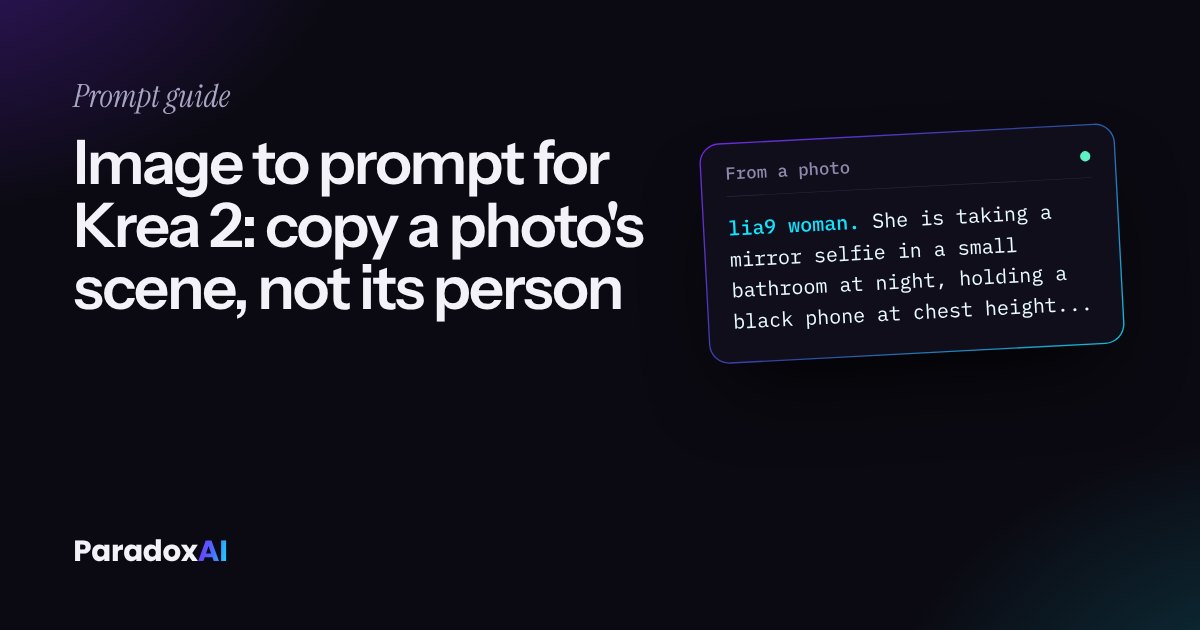
lia9 woman. She is taking a mirror selfie in a small bathroom at night, holding a black phone at chest height in her right hand, framed from the knees up. She stands with her weight on her left leg, her left hand resting on the edge of a white sink, her head tilted toward the phone, looking at its screen. She wears an oversized grey cotton hoodie that falls to mid-thigh and white crew socks. Behind her are pale green square tiles, a chrome towel rail with a folded white towel and a glass shelf with two clear bottles. The only light is a warm lamp above the mirror, with soft shadows under the shelf and light grain from the phone in the dim room.