Prompt habits from older models don't carry over to Krea 2. We read how ComfyUI runs Krea 2 (version 0.39.2, its Krea 2 and Qwen3-VL text encoders) and changed how we write prompts because of three things in it.
1. It reads your prompt with an instruction of its own
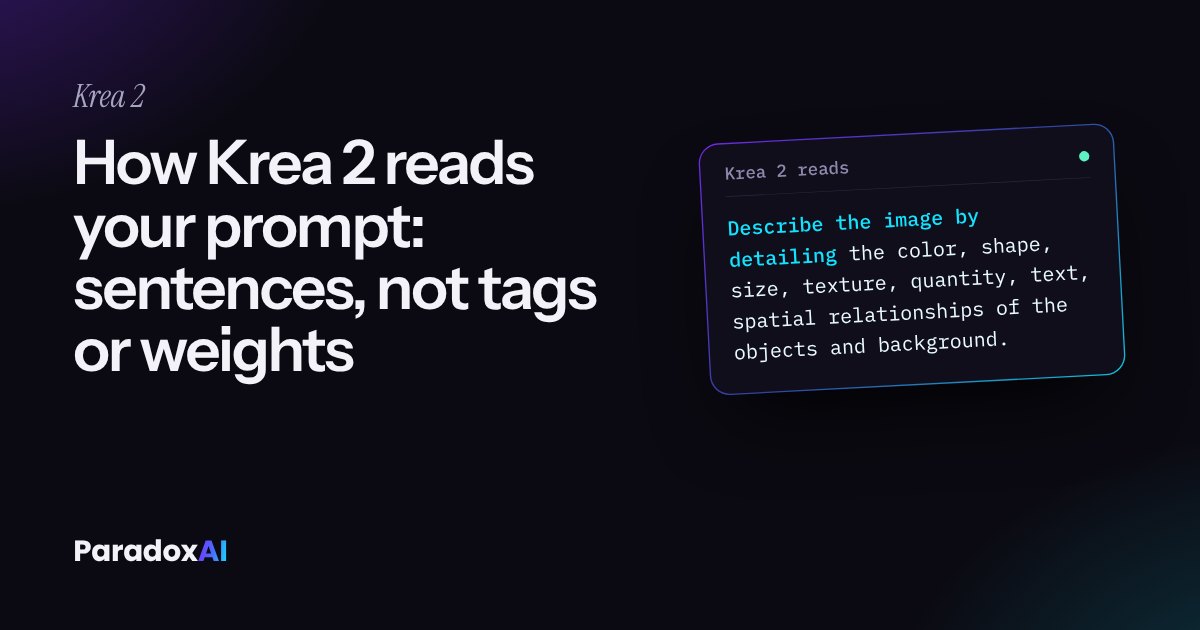
Krea 2 doesn't read a prompt word by word like older models. It hands it to Qwen3-VL, a model that understands both language and pictures, together with a fixed instruction:
Describe the image by detailing the color, shape, size, texture, quantity, text, spatial relationships of the objects and background.
So the prompt that works best already reads like that kind of description: the colour, shape, size and texture of each thing, how many there are, any words written on them, and where they are next to each other.
2. Weights and brackets are plain text
Krea 2 turns off the old way of weighting words. (red dress:1.3) is not a stronger red dress: the model reads the brackets, the colon and the number as ordinary characters. To make something matter more, put it earlier in the prompt and describe it in more detail.
3. Sentences beat tags
The reader follows grammar, so a full sentence carries more than a list of tags. Tags like masterpiece, best quality or 8k come from older models and only add noise. Plain words make the most real picture.
The order we write in
- The shot and the light: what kind of photo it is and where the light comes from.
- The pose, part by part: where her hips, shoulders and head point, where her weight is, what each hand does.
- Every piece of clothing: its colour, fabric and how it sits, and every accessory.
- The place: the things in it, with their colours and where they are, including small lived-in things like a charger cable.
- The light again, and the camera: where the light falls, how high the camera is, and that it is a casual, unedited phone photo.
Let Lens write it for you
Paradox Lens, the Chrome extension in every plan, writes this kind of prompt from a photo you right-click, in the same order, for our Krea 2 workflows.