For a night, flash or lamp-lit photo, name the light first and where it comes from, describe the shadows and the parts of the picture that stay dark, and keep the grain a dark phone photo has. In the Paradox engine, switch Natural Lighting off: it adds soft golden-hour light to every prompt, which turns a night photo into a sunset.
Why night photos come out like daytime
Image models lean toward bright, even light. The word night alone is not enough: tell Krea 2 what lights her, from where, and what stays dark. Light is one of the six things in why AI photos look fake.
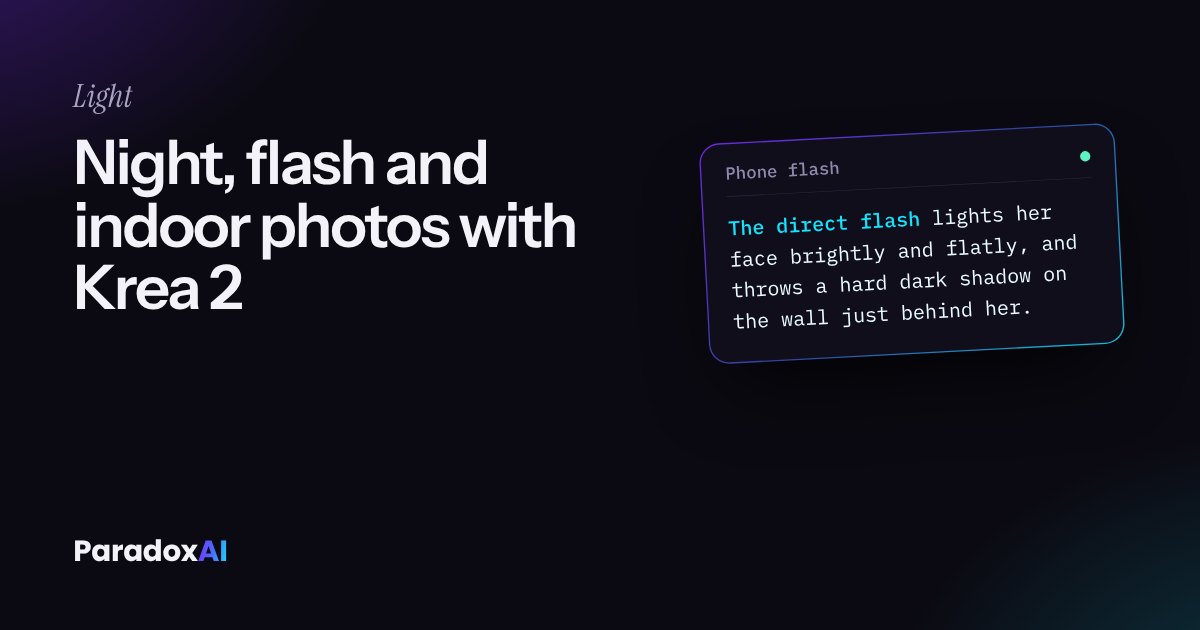
Phone flash
- Say it is a direct phone flash, from the camera.
- Bright, flat light on her face and the front of her, with a little shine on the skin.
- A hard, dark shadow just behind her on the wall.
- A background that falls into darkness behind her.
lia9 woman. Close-up front-camera selfie of her at a house party at night, taken with the phone flash from slightly above at arm's length, framed from the chest up. She wears a black satin slip top with thin straps and a thin silver chain necklace. The direct flash lights her face and shoulders brightly and flatly, with a little shine on her skin, and throws a hard dark shadow on the white wall just behind her. The room behind her falls into darkness, with a few blurred warm lights in the distance.
Indoor lamp light
Name the lamp and its colour: a warm bedside lamp, a cool ceiling light, the blue glow of a TV. Then say which side of her it lights and what stays in shadow.
lia9 woman. She is sitting cross-legged on her bed in the evening, photographed by a friend from the foot of the bed, framed full length. She wears an oversized grey hoodie and white socks, holding a mug in both hands. The only light is a warm bedside lamp on her right, lighting that side of her face and the wall behind it, while the left side of the room falls into soft shadow.
Night outside
Street lamps, shop windows, car lights and neon signs: name each light you want, its colour and where it is. City photos at night have bright spots, deep shadows and often a little blur.
Engine settings
- Natural Lighting: on only for golden hour and sunset; off for everything else, night, flash, lamps and daylight included.
- Base Quality: 2x keeps the grain of a dark phone photo. Higher settings make it cleaner: grainy and filtered photos explains why.
- Skin Texture: on for a sharp flash photo; off when the photo is soft, blurry or filtered.